 Groxodus
☕ Tip
Groxodus
☕ Tip
Groxodus
☕ Tip
Groxodus
☕ Tip
Grok Imagine keeps your images and videos on its servers, and its own gallery buckles once you've made a few hundred. Groxodus downloads your own creations onto your computer — every image, every video, with the prompts that made them — and gives you a fast offline gallery to browse them in.
More info → Run anyway. The checksum above is there so you can verify the file.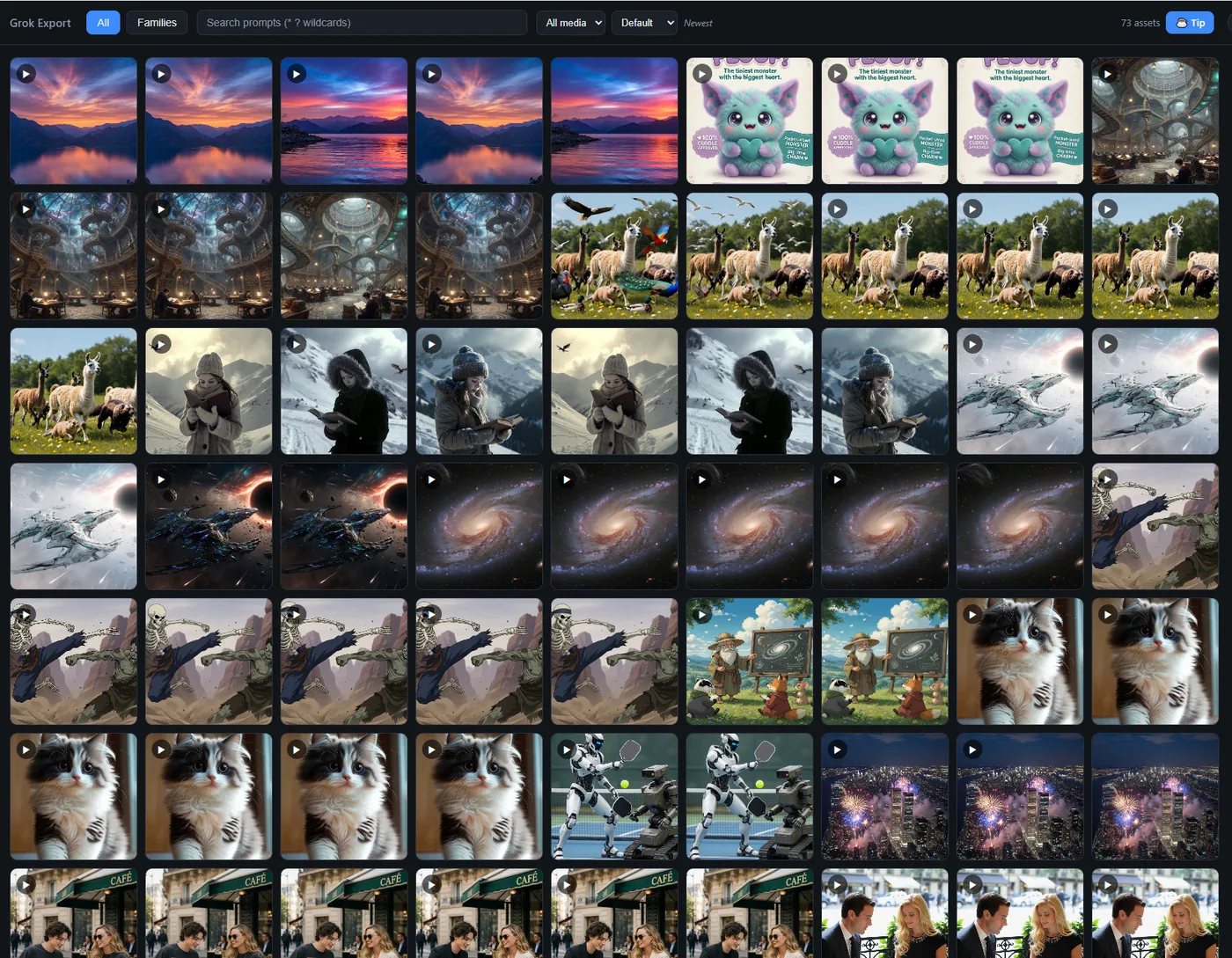
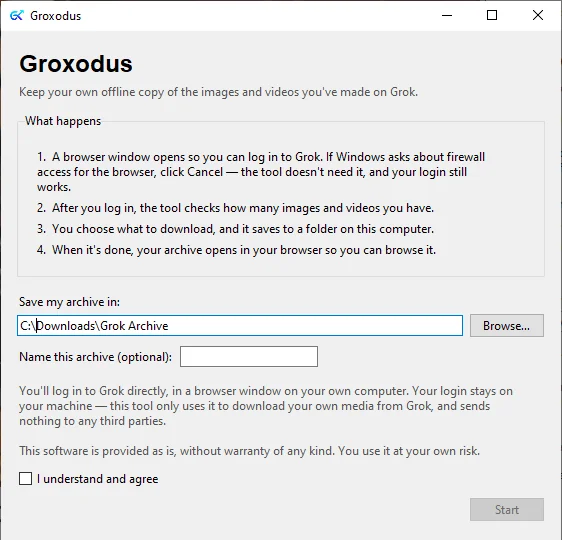
Four steps, then you can walk away. It downloads in the background and picks up where it left off if you close it.
A real browser window opens. You sign in yourself, exactly as you always do. Nothing is typed anywhere else.
Groxodus counts your images and videos and tells you the totals before it downloads a single file.
Everything, or just images, or just videos. It saves to a folder you pick on your own computer.
Your archive opens in your browser — searchable by prompt, grouped by variant, working with no internet.
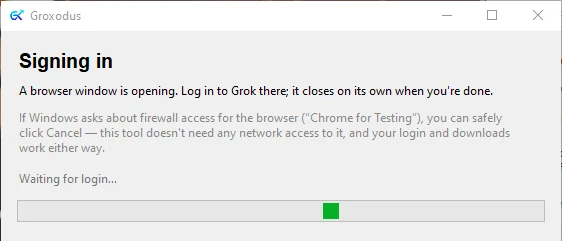
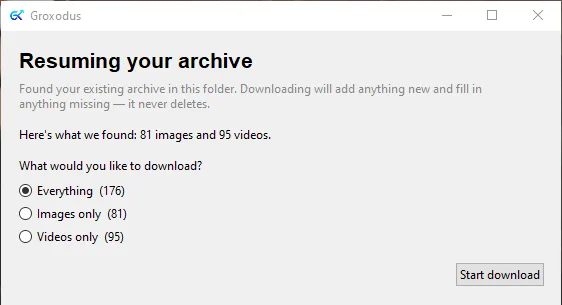
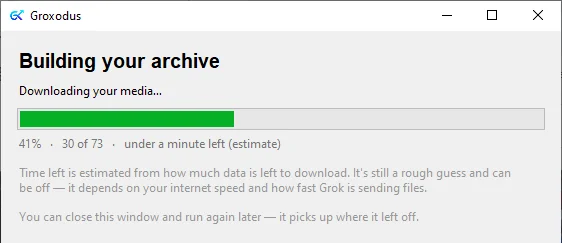
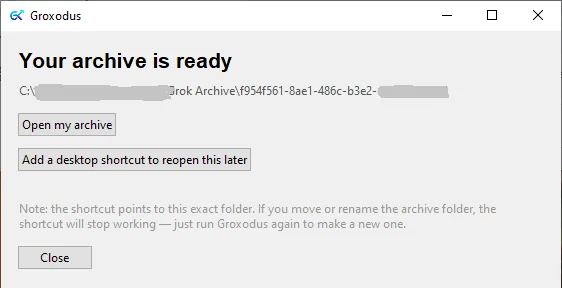
A folder of real files that belong to you, and a gallery page that makes them findable again.
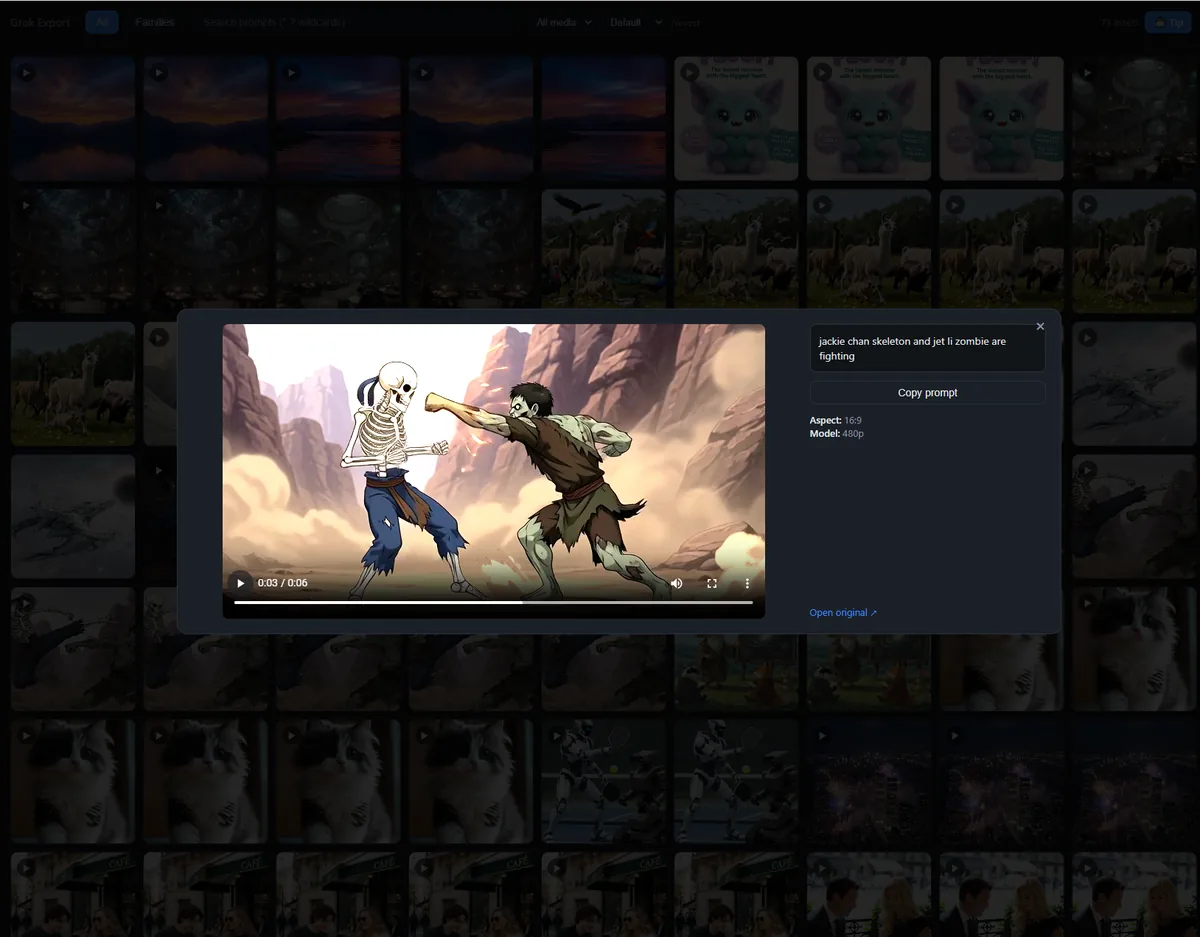
Every prompt is saved beside its media, so you can find that one video by typing a word you remember from the prompt. Wildcards work. Click any item to see its prompt, aspect ratio, and resolution — and copy the prompt back out.
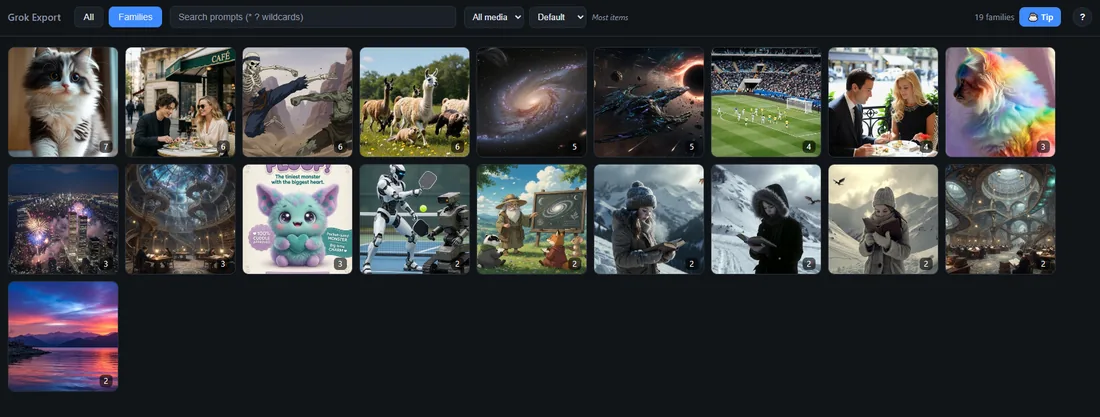
When you generate from an image, or make five versions of one idea, Groxodus keeps them as a family instead of scattering them. The number on each tile is how many pieces are inside.
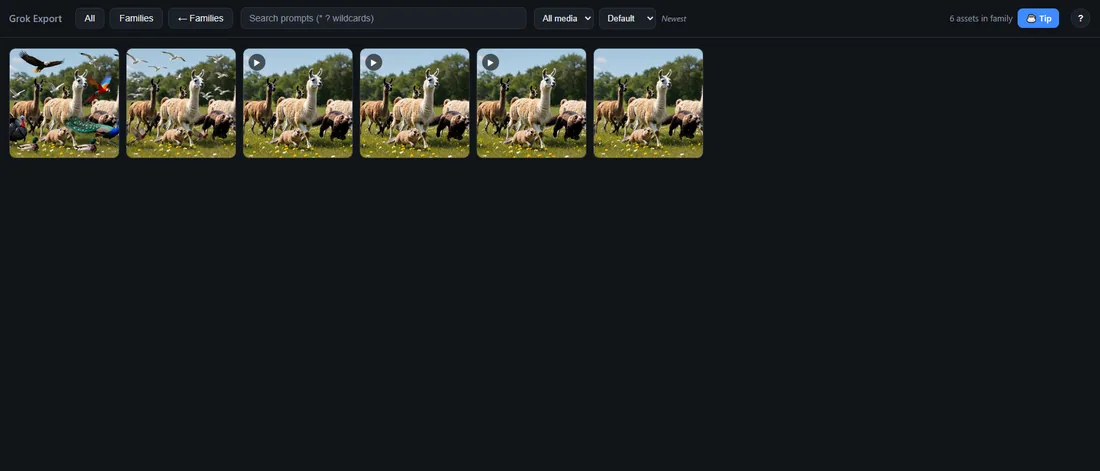
Open a family and you see the original and everything that grew out of it — the still image, then the videos made from it.
You sign in to Grok in an ordinary browser window on your own machine, so Groxodus never sees your password. The signed-in session it uses to fetch your files is held in memory while it runs and thrown away when it closes — nothing is written to disk, and nothing is sent anywhere. That's why it asks you to log in again next time.
It talks to Grok to fetch your files, and to nothing else. No account, no telemetry, no analytics. Your media never leaves your computer.
Groxodus writes into the folder you choose and never deletes from it. If you remove something on Grok, your saved copy stays. Run it again and it fills in what's new.
The SHA-256 above is the fingerprint of the executable. On Windows, run certutil -hashfile groxodus.exe SHA256 and compare, to be sure it hasn't been altered.
It carries its own copy of a browser (Chromium), because it needs a real browser for you to log in through. That's almost the entire download size. Nothing is installed — it's one file, and deleting it removes the program.
Windows shows that warning for any unsigned program, regardless of what the program does. It isn't a virus scan result. If you still want to use the software, verify the SHA-256 checksum, then click More info and Run anyway.
It doesn't matter — you can click Cancel. That prompt comes from the bundled browser wanting to accept incoming connections on your network, which Groxodus never uses. Your login and downloads work exactly the same either way.
Finding your media takes a few minutes if you have more than about 10,000 items, and it happens every run so new work gets picked up. Downloading depends on how much video you have — videos are far larger than images. You can close the window and run it again later; it continues from where it stopped.
When you animate an existing image, Grok stores the prompt on the original image rather than the video. Groxodus keeps them in the same family, so the prompt is one click away. Older items and anything you uploaded yourself may have no prompt stored at all.
No. It's free, nothing is locked, there's no paid version, and there are no ads. If it saved you an afternoon, there's a tip jar below.